

Toothbrushes
| Feature | AquaSonic Icon Series |
|---|---|
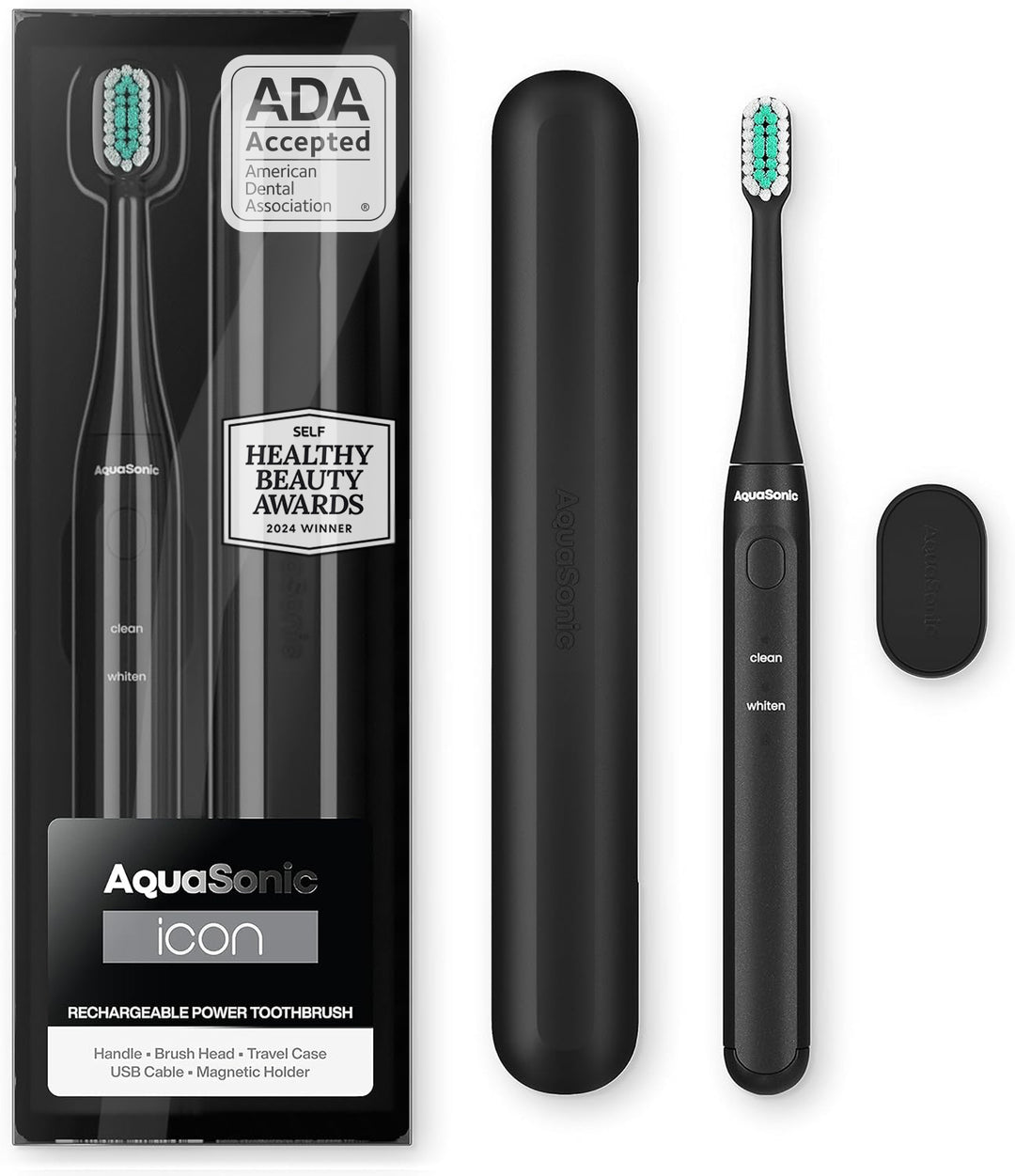
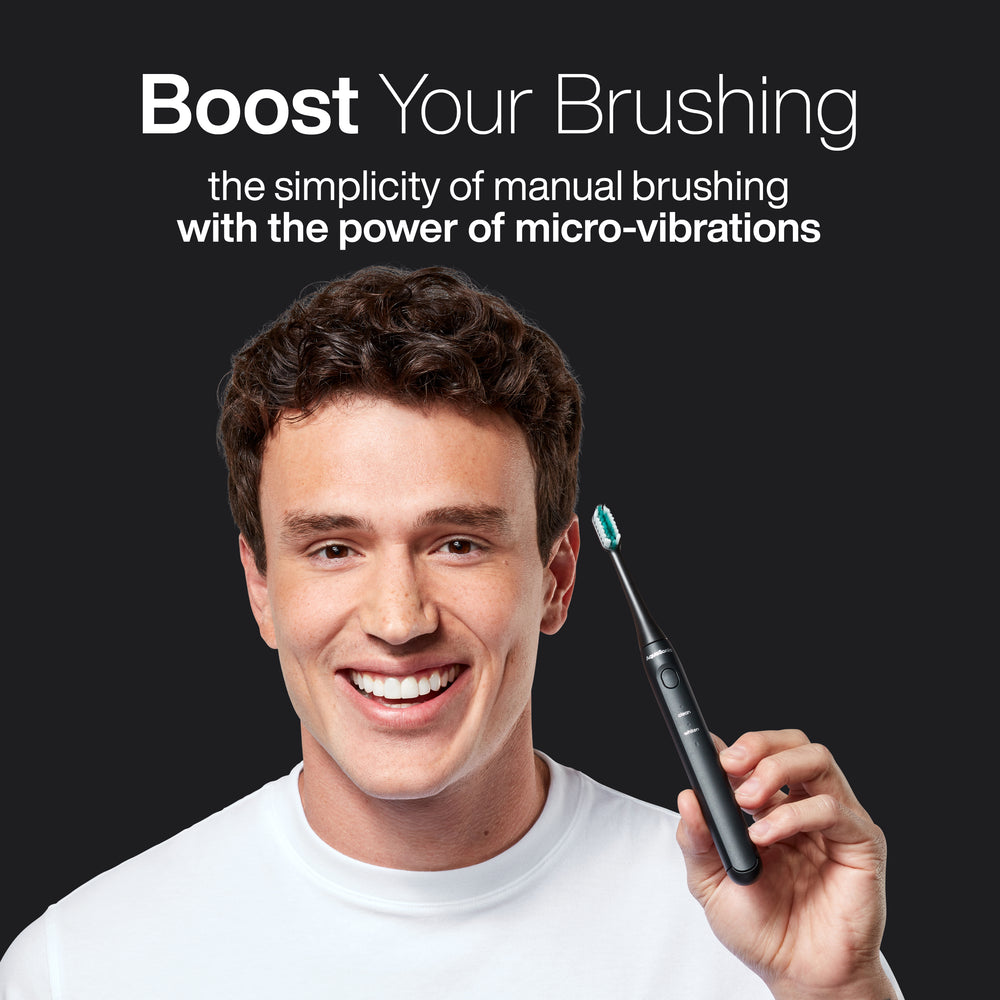
| VPM | Micro-vibration technology |
| Brushing Modes | Clean and Whiten |
| Smart Timer | 30-second interval timer with 2-minute auto shut-off |
| Battery Life | Up to 30 days per charge |
| Charging | Magnetic wireless charging |
| Travel Case | Included for easy portability |
| Water Resistance | IPX7 waterproof |
| ADA Accepted | Yes |
| Design | Slim, lightweight handle with multiple color options |
Let customers speak for us

Amazing value and performance! Highly recommended!
I recently purchased the Icon Water Flosser, and I am genuinely impressed. For the price point, the build quality and cleaning power are unbeatable. It leaves my mouth feeling exceptionally fresh and clean, easily competing with much more expensive brands on the market. If you are looking for an affordable, high-performance water flosser that truly delivers, this is absolute top tier. I cannot recommend it enough!
Anonymous

Is great i have xtra toothbrushes and i dont
Is great i have xtra toothbrushes and i dont have to buy the whole thing
Gloria Turchin

Love this product so much!! better then I even hoped for
Love this product so much!! better then I even hoped for. powerful sleek and a pretty product
Becky Mallico
Very good
Very good . It pass my expectations
Nena Valdivia Valdivia

Beyond satisfied!
It looks great on my counter, it is so easy to use, and my mouth feels soooo clean. Thank you !
charles

I believed in the toothbrush so much I thought I
I believed in the toothbrush so much I thought I would take a risk on this flosser and you know what it really works good for me I've got a big gap between my teeth that it cleans out several times a day
Fred Sterchi
Bernie was really good in assisting me and
Bernie was really good in assisting me and getting my discounts corrected
Fred Sterchi

It's a whole new experience in brushing teeth it
It's a whole new experience in brushing teeth it actually is enjoyable and it tickles
Fred Sterchi
Quality and simplicity
So far, this is the greatest toothbrush I’ve ever had. You ask why? The reason is that it is incredibly simple to take out of the box plug-in. Let it charge and brush your teeth. Exactly what the product description says. Very happy and would recommend this product.
Deborah Isacksen

AquaSonic
Work very well it is very nice looking stylish love all the features
Steve D
Switched from Sonicare, way better deal!
This is a great bundle for the money. Picking a fun color is a plus, too! Used it once so far and I love that it’s not super loud like my sonicare was. Way more brush heads for the price, too!
Anna Gusman
Wired Wireless Excellence
Probably one of the best wireless chargers with a wire I’ve ever used on a toothbrush charging apparatus.
Austin
Easy to use
My mouth feels so clean!!Easy to use.. quick and easy
tomato
AquaSonic Battery Toothbrush
Accurate quick delivery turnaround time with secure packaging very helpful during winter storms. Ideal lightweight size for dexterity, multiple setting for cleaning and polishing functionality , compact case and charger for extended battery life and storage included, great for traveling!
Sherry B
Great replacement
These are a great replacement and way cheaper than the original brand. My son got me those toothbrush for Christmas two years ago and I love it, but I couldn’t afford to buy the brushes until he told me you can buy this brand perfect
Pamela Thessen
What customers think about the store
The store offers high-quality electric toothbrushes and water flossers at competitive prices with fast shipping. Customers praise product performance and value. However, customer service is frequently unresponsive to warranty claims and order issues, causing s...
AI-generated from customer reviews.
Flosser Service Teeth Toothbrush